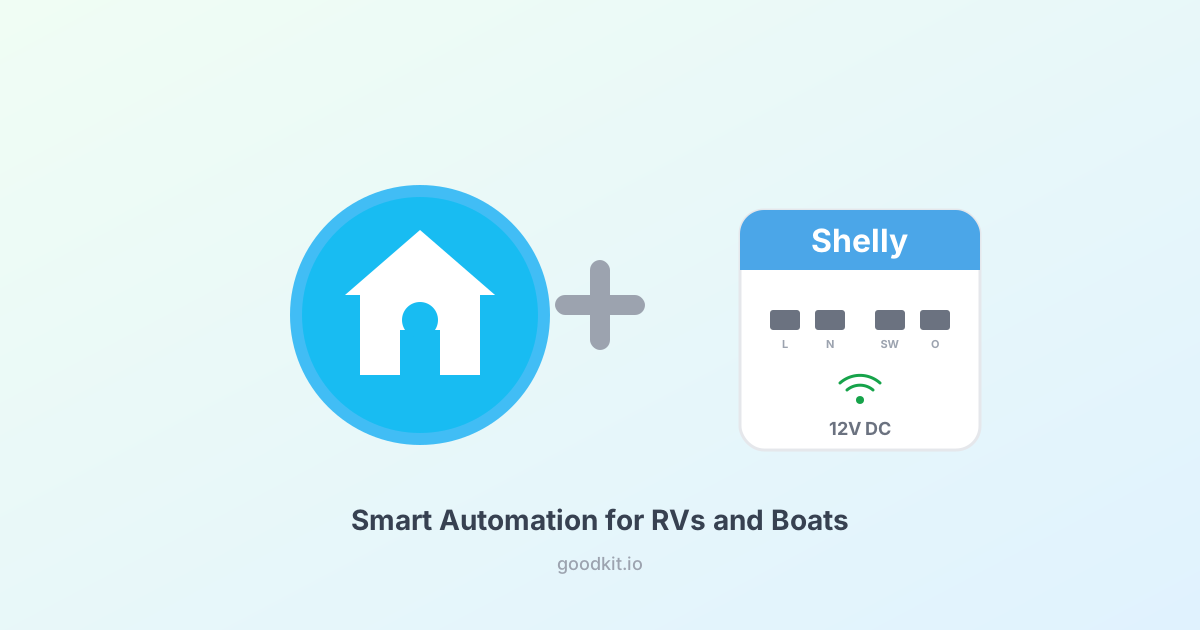
Most smart home gear runs on AC power. That's fine for a house, but useless on a boat or RV where everything runs on 12V DC.
Shelly makes a handful of devices that work natively on 12V DC — no inverter needed, no AC adapter, just wire them directly to your DC system. Pair them with Home Assistant on a Raspberry Pi and you've got real automation: lights, pumps, fans, water heaters, all controllable from your phone or automated on schedules and sensor triggers.
Here's what works, what doesn't, and how to set it up.
Which Shelly Devices Work on 12V DC
Not all Shelly devices support DC power. Here are the ones that do:
| Device | DC Voltage | Max Load | Channels | Best For | Price |
|---|---|---|---|---|---|
| Shelly 1 Mini Gen3 | 12V DC, 24-48V DC | 8A | 1 relay | Lights, fans, small loads | ~$12 |
| Shelly Plus 1 | 12V DC, 24-48V DC | 16A | 1 relay | Pumps, heaters, single lights | ~$16 |
| Shelly 1 Gen3 | 12V DC, 24-48V DC | 16A | 1 relay | Same as Plus 1, newer hardware | ~$14 |
| Shelly UNI | 12-36V DC | Dry contact | 2 outputs + ADC | Sensor reading, low-power switching | ~$15 |
| Shelly RGBW2 | 12V DC | 144W total | 4 PWM channels | LED strip dimming, RGB lighting | ~$20 |
Important: The Shelly Plus 2PM, Shelly Dimmer, and most other Shelly devices are AC only. Don't try to run them on DC — you'll damage them.
The Shelly 1 Mini Gen3: The Workhorse
For most RV and boat automation, the Shelly 1 Mini Gen3 is the go-to device. It's tiny — fits behind a switch panel or inside a junction box — and it handles up to 8A at 12V, which covers:
- Interior LED lights
- Ventilation fans
- Water pump
- Anchor light
- Courtesy lights
- USB charging outlets
At about $12 per device, you can automate your entire RV or boat for less than the cost of a single marine-grade smart switch.
Wire it in-line between your 12V supply and the device you want to control. The existing physical switch still works — the Shelly just adds smart control on top.
Wiring (12V DC)
12V Positive ──→ Fuse ──→ Shelly "L" terminal
Shelly "O" terminal ──→ Load (light, pump, etc.)
Load negative ──→ 12V Negative/Ground
Shelly "N" terminal ──→ 12V Negative/Ground
Optional: connect your existing wall switch to the "SW" terminal for manual control alongside smart control.
For loads over 8A (like a large water heater), step up to the Shelly Plus 1 which handles 16A.
The Shelly RGBW2: LED Lighting Done Right
If you want to control LED strips on your boat or RV — dimming, color temperature, or full RGB — the Shelly RGBW2 is perfect. Four PWM channels at 12V, 144W combined output.
Use cases:
- Dim cabin lights to 10% at night automatically
- Set warm white during evening, cool white during day
- Under-cabinet accent lighting
- Cockpit/exterior lighting with color options
Each channel controls the negative side of an LED strip. The positive side connects directly to 12V power.
Pro tip: Pair it with a quality 12V LED strip and you've got better lighting than most factory RV setups for under $40 total.
The Shelly UNI: Sensor Bridge
The Shelly UNI is different from the relay devices — it's designed for sensor input and low-power switching. It has:
- 2 dry contact outputs (low current only — for triggering other relays, not driving loads directly)
- 1 ADC input (analog-to-digital converter — reads 0-30V)
- Temperature sensor input (DS18B20 compatible)
RV/boat use cases:
- Read tank levels from existing resistive senders via the ADC input
- Monitor voltage on your house battery bank
- Read temperature from DS18B20 probes (engine room, fridge, exterior) — about $3 each
- Trigger alerts when values go out of range
Setting Up Home Assistant
Step 1: Install Home Assistant on a Pi
You'll need a Raspberry Pi 4 (~$45-75) with a microSD card. If you don't already have Home Assistant running:
# Download the HA image for Raspberry Pi
# Flash to SD card using Balena Etcher or Raspberry Pi Imager
# Boot the Pi, access at homeassistant.local:8123
Or run it in a Docker container if you already have a Pi doing other things:
docker run -d --name homeassistant \
  --privileged --restart=unless-stopped \
  -v /opt/homeassistant:/config \
  -v /run/dbus:/run/dbus:ro \
  --network=host \
  ghcr.io/home-assistant/home-assistant:stable
Step 2: Connect Shelly Devices to WiFi
Each Shelly device creates its own WiFi hotspot on first power-up:
- Connect your phone to the Shelly's WiFi (named like "Shelly1MiniG3-XXXX")
- Open 192.168.33.1 in a browser
- Go to Settings → WiFi and enter your boat/RV WiFi credentials
- The Shelly connects to your network and gets an IP address
Step 3: Auto-Discovery in Home Assistant
Home Assistant's Shelly integration auto-discovers Shelly devices on your network. You should see a notification:
Settings → Devices & Services → Shelly → Configure
Accept the discovery and your Shelly appears as a switch entity. That's it — no MQTT, no YAML, no configuration files.
Step 4: Build Automations
Now the fun part. Some practical automations for RV/boat:
Anchor light at sunset:
automation:
  - alias: "Anchor light on at sunset"
    trigger:
      - platform: sun
        event: sunset
    action:
      - service: switch.turn_on
        entity_id: switch.shelly_anchor_light
Bilge pump alert:
automation:
  - alias: "Bilge pump running too long"
    trigger:
      - platform: state
        entity_id: switch.shelly_bilge_pump
        to: "on"
        for: "00:05:00"
    action:
      - service: notify.mobile_app
        data:
          message: "Bilge pump has been running for 5 minutes — check for water intrusion"
Dim lights at night:
automation:
  - alias: "Dim cabin lights after 10pm"
    trigger:
      - platform: time
        at: "22:00:00"
    action:
      - service: light.turn_on
        entity_id: light.shelly_cabin_leds
        data:
          brightness_pct: 15
          color_temp: 400
Battery voltage monitoring (Shelly UNI):
automation:
  - alias: "Low battery alert"
    trigger:
      - platform: numeric_state
        entity_id: sensor.shelly_uni_adc
        below: 12.2
        for: "00:10:00"
    action:
      - service: notify.mobile_app
        data:
          message: "House battery voltage below 12.2V — start charging"
WiFi Considerations
Shelly devices need WiFi. On a boat or RV, that means:
- Your own router/access point — A small GL.iNet travel router (~$25) running your own network. Shelly connects to this, Home Assistant connects to this. No internet required for local control.
- Range — Shelly devices have decent WiFi radios, but fiberglass and metal hulls can attenuate signal. Place your router centrally.
- No internet needed — Everything runs locally. Shelly works without cloud, Home Assistant works without cloud. You can automate your boat at anchor with zero cell signal.
What About Zigbee or Z-Wave?
Shelly uses WiFi, which means no extra hub needed. Zigbee devices (like Xiaomi temperature sensors) need a Zigbee coordinator (USB stick). Both work with Home Assistant, but for a simple RV/boat setup, WiFi-based Shelly devices are easier to deploy.
If you're already running Zigbee for temperature sensors, you can mix both protocols in Home Assistant — Zigbee sensors for monitoring, Shelly relays for control.
Shopping List
Here's everything you need for a complete RV/boat automation setup:
| Item | Link | Price |
|---|---|---|
| Raspberry Pi 4 Kit | Amazon | ~$45-75 |
| Shelly 1 Mini Gen3 (x3) | Amazon | ~$36 |
| Shelly RGBW2 | Amazon | ~$20 |
| Shelly UNI | Amazon | ~$15 |
| GL.iNet Travel Router | Amazon | ~$25 |
| DS18B20 Temp Sensors (5-pack) | Amazon | ~$10 |
| Total | ~$150-180 |
Compare that to a marine-specific automation system at $500-2,000+. The Shelly approach gives you more flexibility for a fraction of the cost.
The Bottom Line
Shelly devices are the easiest way to add smart control to a 12V DC system. They're cheap, they work directly on DC power, they integrate with Home Assistant out of the box, and they don't need internet. For RV and boat owners who want automation without the complexity (or cost) of marine-grade systems, this is the way to do it.
Start with one Shelly 1 Mini Gen3 on a light or fan. Once you see how easy it is, you'll want to automate everything.